Description
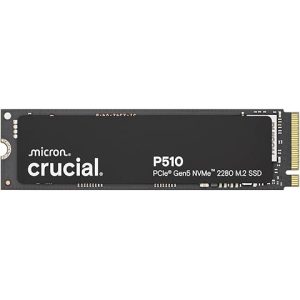
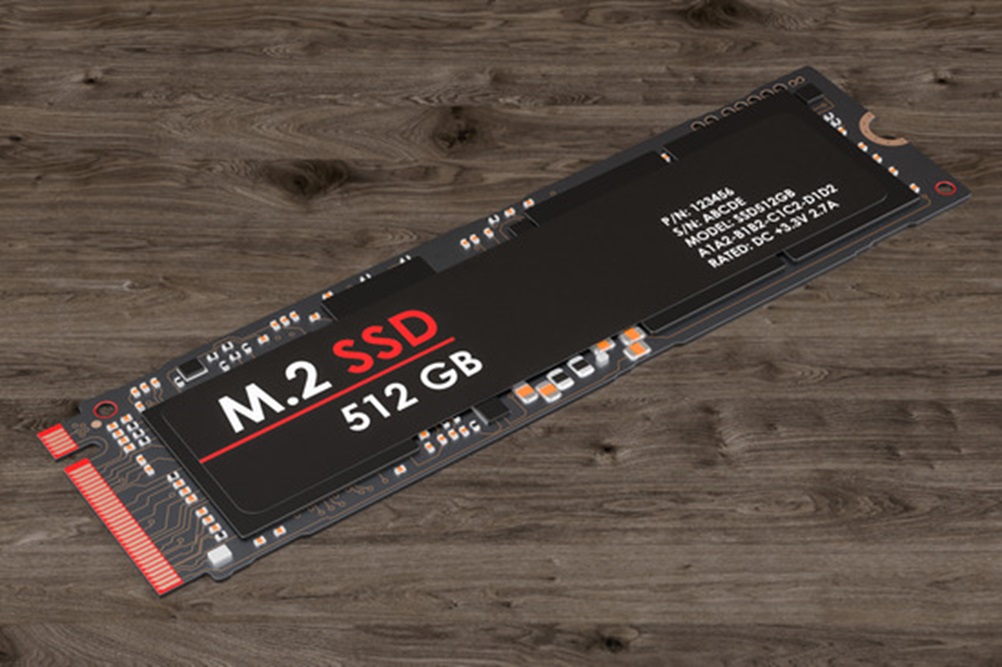
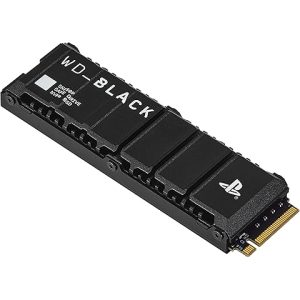
m.2 2280 solid-state drive
A solid-state drive (SSD) is a semiconductor-based storage device, which typically uses NAND flash memory to save persistent data. Solid-state technology is transforming the storage with high speed flash memory.
Each NAND flash memory chip consists of an array of blocks, also known as a grid, and within each block, there is an array of memory cells, known as pages or sectors. The number of bits stored in each cell can vary, and they are typically categorized as either single-bit cells (i.e. “Single Level Cells” or “SLC”), 2- and 3-bit cells (i.e. “Multi-Level Cells/MLC” and “Triple-Level Cells/TLC”), or quad-bit cells (“QLC”). Each cell type also has its strengths and weaknesses. While SLCs are known for its reliability, high speeds and prices, QLCs have the advantage of being more affordable. Each grid can store between 256KB and 4MB. The central processing unit (CPU) acts as the controller for any reading or writing jobs to memory. Their size and low power requirements make them ideal for laptops, tablets, and smartphones.
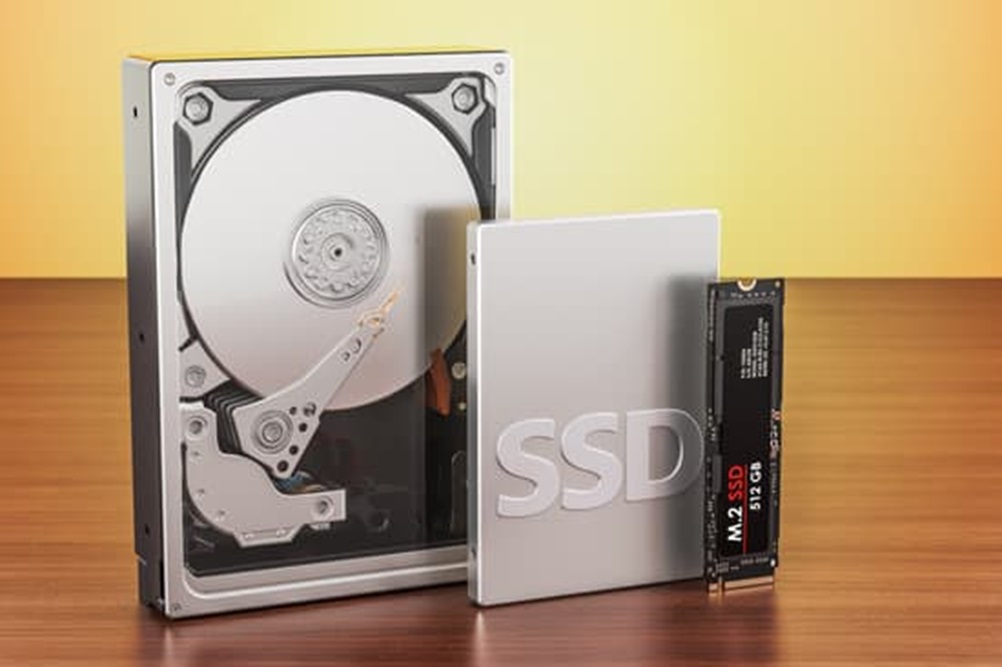
SSDs try to mimic HDDs through the use of nonvolatile solid-state memory, but they are much faster than the traditional hard drive or floppy disk. HDDs have an inherent latency and access time caused by mechanical delays in the spinning of the platter and movement of the read/write head. Since SSDs have no moving parts, latency and time to access and store data is greatly reduced.
According to Gartner (link resides outside ibm.com), solid-state drives are emerging as the go-to storage platform to support structured data workloads, which is fueled by innovation around NAND flash and storage class memory (SCM) technology. They expect that by 2025 over 40% of all on-premises IT storage administration and support activities will be replaced by managed storage as a service, which is up from less than 5% in 2021.
Types of solid-state drives
As implied by the name, internal solid-state drives are installed inside a computer, directly connecting to its motherboard. External SSDs, on the other hand, are plugged in like external HDDs, frequently to USB 3.0 ports, and serve similar purposes. Internal SSDs connect via standard SATA, IDE, and m.2. while external SSDs utilize USB, eSATA, and Thunderbolt connections.
There are two main types of SSD form factors:
– mSATA III, SATA III, and traditional SSDs: While SATA SSDs are probably the most common, it is more of a legacy technology as it was designed with the intention of being installed in the place of a hard disk drive. That said, you may need a bay adapter or enclosure depending on your device, such as a desktop PC. While the ease of installation facilitated the adoption of SSDs, this interface is the process of phasing out with the introduction of PCIe and NVMe SSDs. By comparison, mSATA III, SATA III, and traditional SSDs are limited in their speed times, having a lower throughput compared to newer versions of SSDs in the market.
– PCIe and NVMe SSDs: Newer form factors, like U.2 and M.2 SSDs, utilize an interface protocol called, Nonvolatile Memory Express (NVMe), which was jointly developed by companies in the NVM express workgroup, such as Samsung, Intel, and Seagate. NVMe works with Peripheral Component Interconnect Express (a.k.a. PCI Express or PCIe) to deliver high data transfer speeds, reaching read speeds of over 3000 MB/s. The reduced latency makes this type of SSD ideal for gamers and their Playstations. These SSDs usually come with a heatsink to prevent overheating.
how long do solid state hard drives last
Average Lifespan
- 5 to 10 years: Modern SSDs, especially high-quality ones, can last for 5–10 years under normal usage conditions.
- Write Endurance: SSDs are rated by TBW (Terabytes Written) or DWPD (Drive Writes Per Day), which indicates how much data can be written to the drive over its lifetime. For example:
- A consumer-grade SSD might have a 200-600 TBW rating.
- Enterprise SSDs often have higher ratings, such as 1,000 TBW or more.
Factors Affecting Longevity
- Write Cycles: SSDs use NAND flash memory, which has a limited number of write/erase cycles. However, modern SSDs use wear leveling techniques to distribute writes evenly, extending their lifespan.
- Usage Patterns: Constant heavy writes (e.g., video editing or database storage) will wear out an SSD faster than light, everyday use (e.g., browsing or document editing).
- Temperature: Excessive heat can degrade SSD components over time.
- Quality: High-end SSDs (e.g., those with MLC or TLC NAND) tend to last longer than cheaper alternatives.
Signs of SSD Wear
- Slower performance.
- Frequent file errors or corruption.
- Sudden system crashes or inability to boot.
How to Extend SSD Lifespan
- Avoid filling the drive to full capacity (leave about 10-20% free).
- Minimize unnecessary write-heavy tasks, such as excessive defragmentation.
- Use tools to monitor SSD health (e.g., CrystalDiskInfo, Samsung Magician, or SMART data).
With normal usage and proper care, most SSDs should comfortably last beyond their warranty period (typically 3–5 years for consumer drives).